



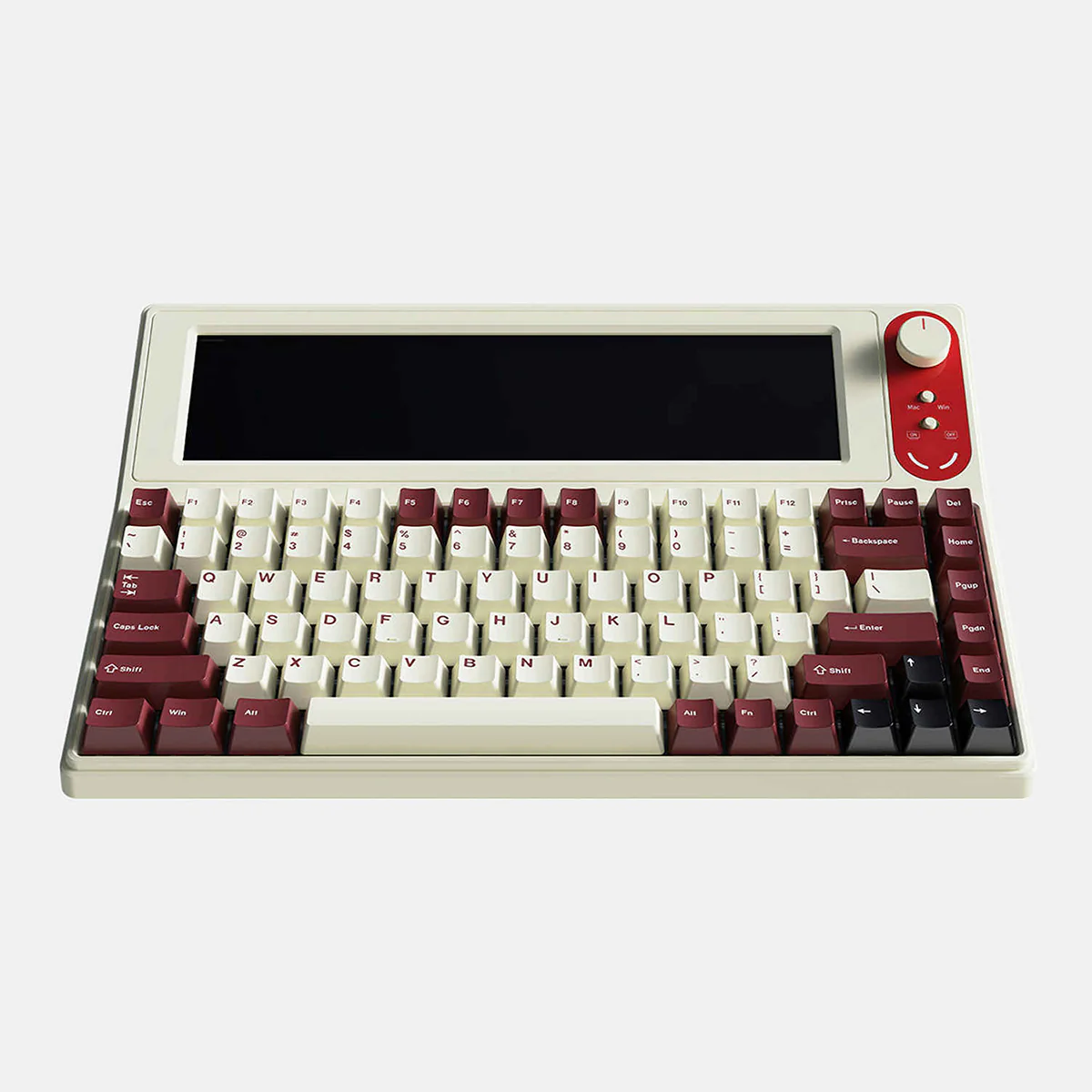
In the fast-paced world of professionals, efficiency and productivity are more than just buzzwords—they are necessities. One of the latest innovations catching the attention of tech enthusiasts and professionals alike is the keyboard with display. But the question remains: is it really worth the investment? Let’s dive in.
What is a Keyboard with Display?
A keyboard with display integrates a small screen or multiple touch-sensitive displays directly into the keyboard. These displays can serve various functions, such as showing shortcuts, system stats, notifications, or even controlling applications without switching windows. For professionals who spend hours in front of a computer, this can translate into significant time savings and workflow optimization.
Advantages for Professionals
1. Enhanced Productivity
For software developers, video editors, and designers, having contextual shortcuts and information directly on the keyboard reduces the need to navigate through multiple menus. For example, designers can see color palettes or tool options instantly, while developers can monitor code errors or logs.
2. Streamlined Workflow
The display can be customized to show only the tools and information relevant to the task at hand. This personalization can streamline workflow, making multitasking more manageable and reducing cognitive load.
3. Aesthetic and Functional Appeal
Beyond functionality, a keyboard with display often adds a modern and sleek look to your workspace. Some models also feature dynamic visuals or customizable widgets, enhancing both aesthetics and utility.
Are There Any Downsides?
While the advantages are clear, there are a few considerations:
- Cost: Keyboards with integrated displays tend to be pricier than traditional models.
- Learning Curve: Professionals need time to customize and adapt to the new interface.
- Durability: More moving parts and electronics can mean higher chances of wear or malfunction over time.
Is It Worth It?
For professionals who rely heavily on shortcuts, multitasking, and workflow efficiency, investing in a keyboard with display can be worthwhile. However, if your work primarily involves basic typing or limited software interactions, the benefits may not justify the price.
Ultimately, the decision comes down to balancing cost, utility, and personal workflow needs. Professionals who thrive on customization and efficiency will likely find that this investment pays off in productivity gains over time.
