



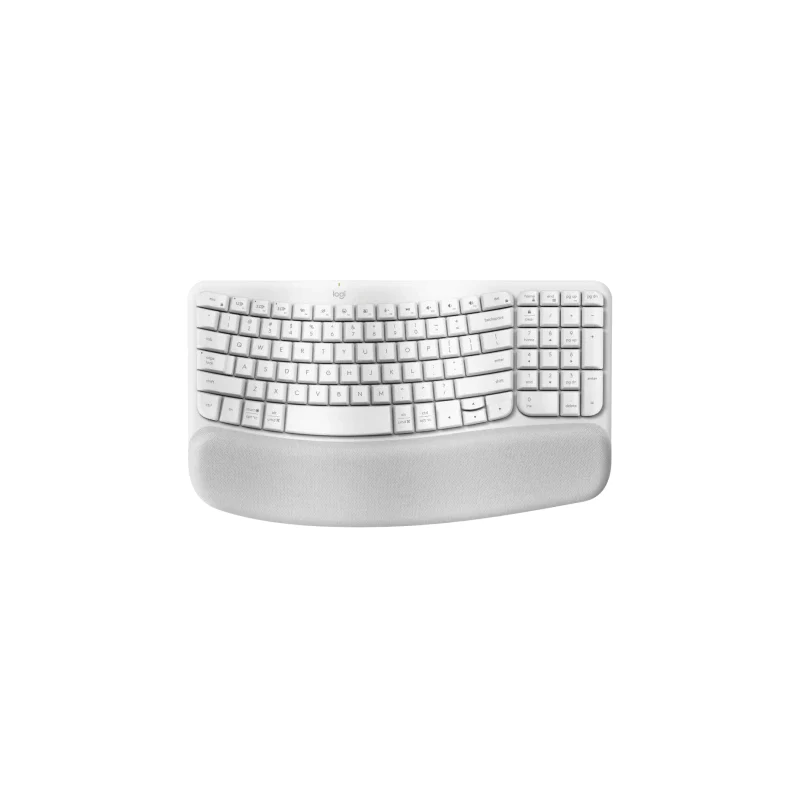
Wireless keyboards are convenient, portable, and reduce cable clutter, making them a popular choice for home and office setups. However, like any frequently used device, they can accumulate dust, debris, and germs over time. Knowing how to maintain and clean your wireless keyboard ensures it remains functional, hygienic, and comfortable to use.
Why Cleaning Your Wireless Keyboard is Important
Over time, crumbs, dust, and oils from your fingers can accumulate between the keys, leading to sticky buttons or even hardware malfunctions. Regular cleaning not only improves performance but also reduces the spread of germs. Maintaining a clean keyboard also prolongs its lifespan, saving you from unnecessary replacements.
Tools Needed for Cleaning
Before you start, gather some basic tools to make the process easier:
- Microfiber cloth or soft lint-free cloth
- Compressed air canister
- Cotton swabs
- Mild cleaning solution (water mixed with a small amount of dish soap)
- Small brush (optional)
Having the right tools ensures you can clean effectively without damaging your keyboard.
Step-by-Step Guide on How to Maintain and Clean Your Wireless Keyboard
1. Turn Off and Disconnect
Safety first! Turn off your keyboard and remove the batteries if possible. Disconnect it from your computer to prevent accidental key presses or electrical issues.
2. Remove Loose Debris
Use a can of compressed air to blow out dust and crumbs from between the keys. Hold the keyboard at an angle and spray short bursts to avoid damaging delicate components.
3. Wipe Down the Surface
Dampen a microfiber cloth with a small amount of cleaning solution. Gently wipe the keys and the keyboard’s surface. Avoid using excessive liquid, which can seep into the electronics.
4. Clean Between Keys
For stubborn dirt in tight spaces, use cotton swabs or a small brush. Focus on edges and corners where dust often collects.
5. Reassemble and Test
Once your keyboard is completely dry, reinsert the batteries, reconnect it, and test all the keys to ensure proper functionality.
Tips for Ongoing Maintenance
- Wash your hands before using the keyboard to reduce oil and dirt buildup.
- Cover the keyboard when not in use to prevent dust accumulation.
- Perform light cleaning weekly and deep cleaning monthly.
By following these practices, you can extend the life of your device and enjoy a cleaner, more efficient typing experience.
